Please LOG IN to update your profile and ensure secure and seamless e-invoice delivery.

账单支付指南

Get your bill.
Pay it in under a minute.

每月账单会通过以下四种方式发送给您。收到账单后,您可以直接付款,也可以选择客户页面、快捷支付 或 JomPAY 进行付款。

01

如何收到账单?

每张账单会通过以下四种方式发送给您,您只需要查看其中一种即可。

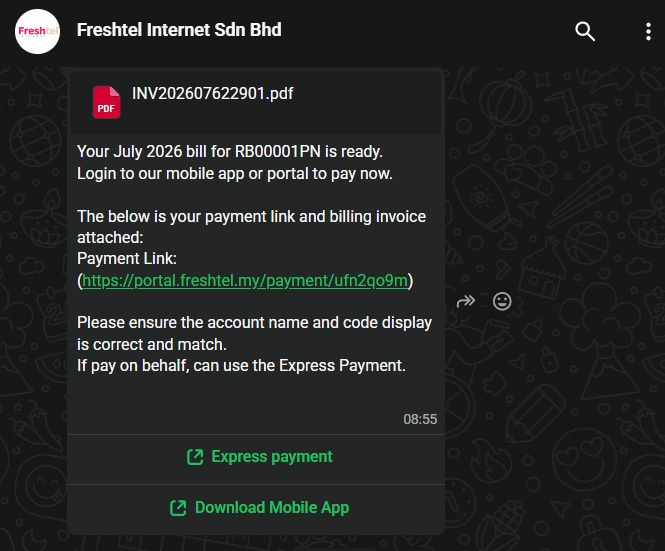
WA

WhatsApp

点击链接即可付款

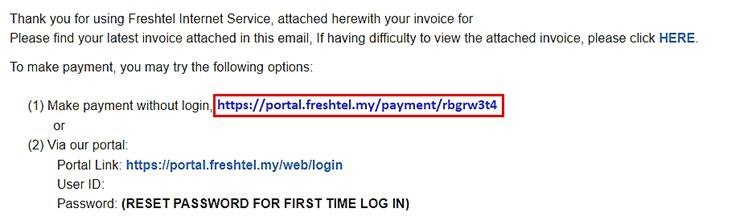
@

电子邮件

PDF 账单

CP

客户页面

查看未付款账单

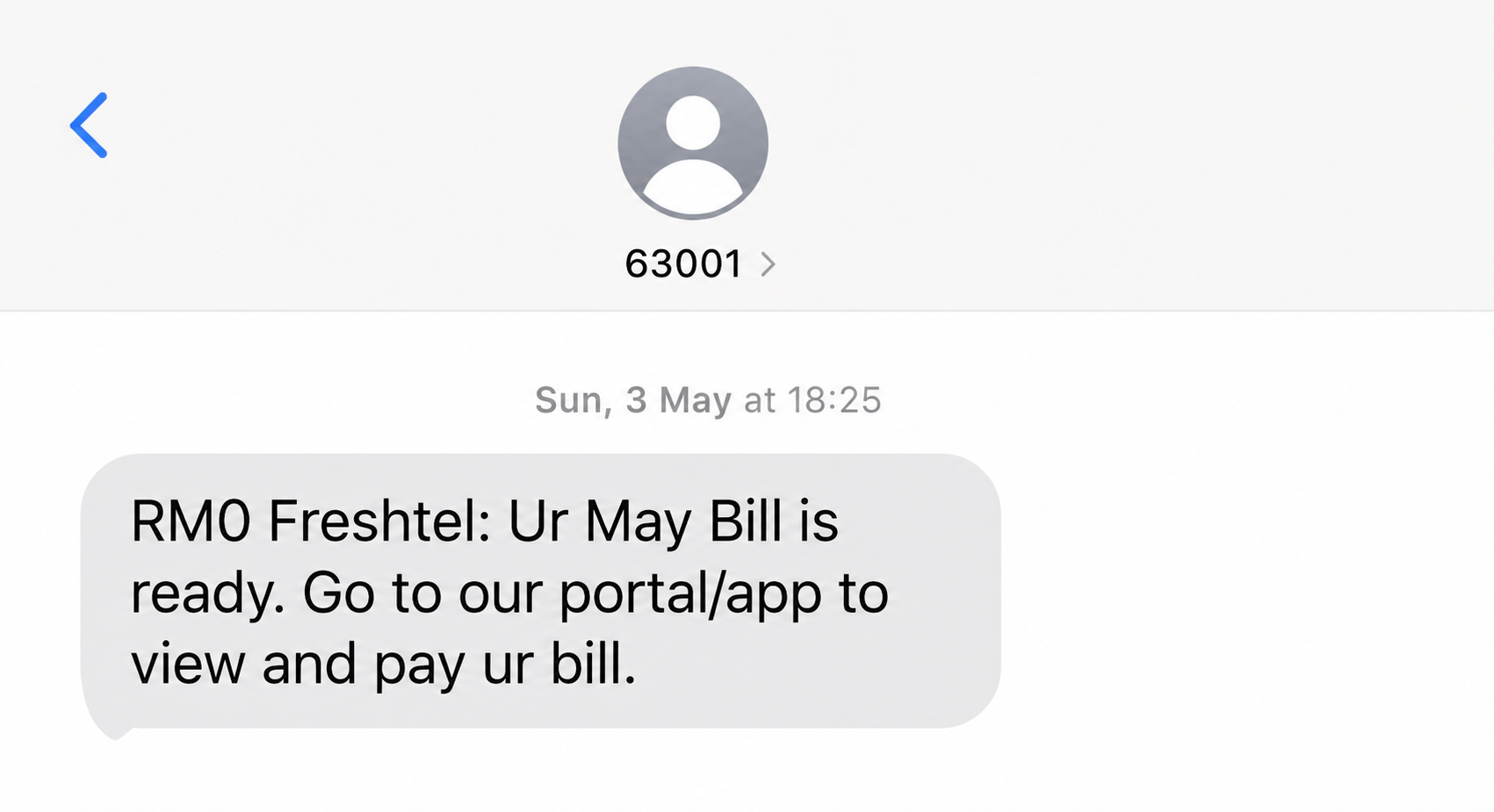
短信

短信

付款链接短信

02

如何付款?

以下有四种付款方式,您可以选择通过其中一个进行付款即可。
1

快速付款

A

账单电子邮件

点击付款链接

B

Whatsapp or SMS

点击消息中的链接

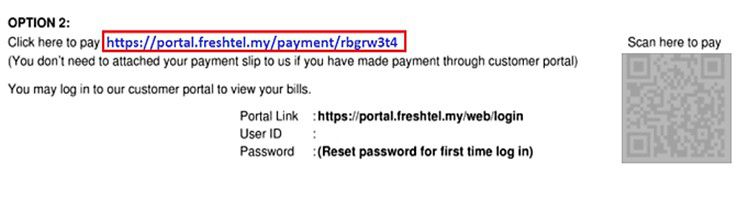
C

账单二维码

扫码直接付款

2

通过客户门户付款

See and settle every outstanding invoice
1

Log in at portal.freshtel.my with your email and password.

2

Tick the invoices you want to pay, then click Pay Now. Start from the oldest outstanding bill.

3

Choose Credit / Debit Card or Online Banking / e-Wallet.

4

同意条款与条件后确认付款。使用银行卡付款的客户也可以在这里开启自动扣款。

自动扣款是可选功能。开启后,每月账单生成时,Freshtel 会自动从您的银行卡扣除应付金额。

Watch the full walkthrough — 2 min
3

Express Payment 快速付款

忘记密码,或者需要帮别人付款?您可以使用 Express Payment 快速付款,只需输入以下四项资料其中一样即可确认身份并付款。

01 Customer Code
02 IC / Passport number
03 Registered mobile number
04 Registered email address
Watch the Express Payment walkthrough
4

JomPAY

Pay via your preferred online banking

登录您的网上银行或手机银行 App,找到 JomPAY 标志即可进行付款。

01 Biller Code: (See your invoice)
02 Ref-1: Customer Code
03 Confirm your payment details and submit.
Watch the JomPAY walkthrough